Most CRMs aimed at landscapers are SaaS tools designed for sales teams that someone tried to retrofit for crews and routes. The result is software that looks impressive in a demo but stops being useful the second a real Tuesday rolls in - 14 properties on the route, three crew trucks moving across town, two estimate revisions to send, and an invoice that needs to go out before lunch.
A landscaping CRM has to handle three things specifically: the route, the property, and the crew. Get those right and the rest of the operation gets easier. Get them wrong and your team is still working from a spreadsheet, three text threads, and the owner's memory.
Route optimization is the difference between a profitable day and a wasted one
If your CRM can't generate optimized lawn mowing routes automatically, you're either burning fuel and labor on inefficient drives, or someone in the office is spending two hours every morning rebuilding the route by hand on Google Maps. Both are expensive in different ways.
The OCS Upgraded CRM includes Google Maps integration with automated route creation. Drop properties on the map, group them by day, and the system builds an optimized route - accounting for time-of-day traffic patterns, crew start point, and the order that minimizes total drive time. When a new customer signs up, you assign their property to a day and the route updates automatically.
Polygon drawing lets you define service areas visually on the map. Draw a polygon around the area you serve in Morristown, another around your Parsippany route, another around Denville - and the system uses those boundaries to flag jobs outside your zone, calculate area-based estimates, and assign new customers to the right crew automatically.
Satellite views of properties - the feature landscapers don't know they need until they have it
When a homeowner calls for an estimate, the conventional process is: drive out to the property, walk it, measure it, write up a quote, come back, send the quote. That's 90 minutes minimum for a job that might not even close.
With satellite imagery integrated into the CRM, you can pull up the property at the moment the homeowner is on the phone. Measure the lawn area using the polygon tool. Generate a real estimate with reasonable accuracy before they hang up. Most jobs you can quote with confidence without ever driving out. The site visit only happens when the customer is ready to book.
The same satellite view becomes useful again after the job is sold: crews open the customer's property on their phone in the truck, see the polygon outlining what's being mowed, and know exactly where to go without walking the lot first.
The crew side of the CRM is where most landscaping software breaks down
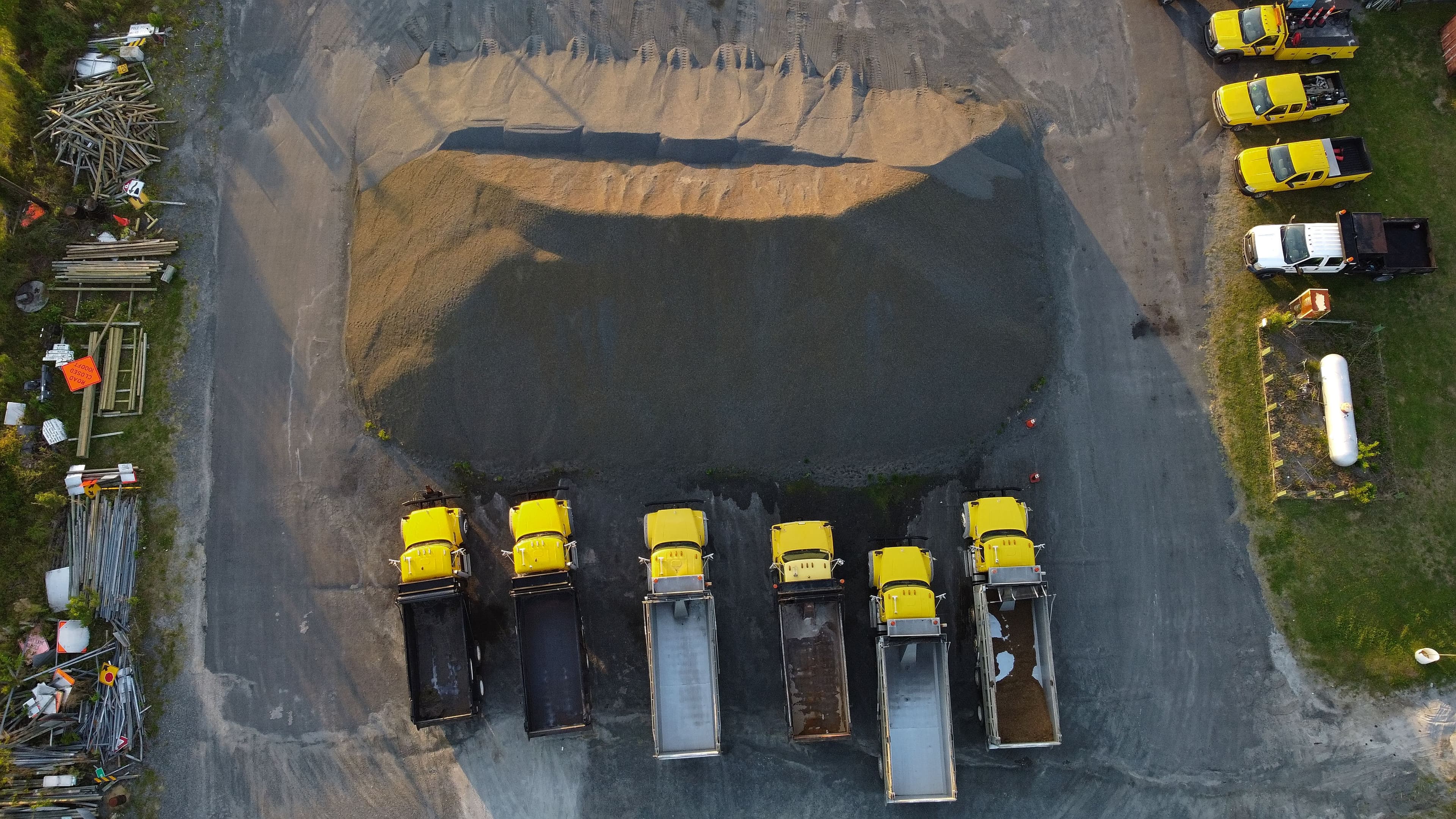
Office CRMs assume one person is in the system at a time. Landscaping doesn't work that way. The owner is checking the dashboard, the foreman is checking the day's routes, two crew leaders are checking job notes for the properties they're hitting, and someone in the office is sending invoices for yesterday's work - all simultaneously.
The OCS Upgraded CRM includes worker logins for assigned jobs and routes. Each crew member has their own login showing only the jobs assigned to them today: property name, address, satellite view, what's being done, notes from previous visits, and a way to check off completed work and upload photos. The owner sees everything; each crew member sees what they need to do.
Photo upload tied to the job is genuinely useful here. Crew snaps a photo of the finished lawn or the work performed. It's automatically attached to the customer's file. Six months later when the customer calls asking 'did you guys also trim the hedges last visit?', you have proof.
The CRM features that close the loop on landscaping work
Routes, satellite views, and crew logins are the operational backbone. The CRM also has to handle the parts that turn that work into paid work:
- Invoice creation that pulls job details from the day's completed work - no double entry
- Contract creation, sending, and e-signing for annual maintenance agreements (huge for landscaping retention)
- Estimate creation built on top of satellite-view measurements
- Lead form integrations for your website, Google Ads, and Facebook Ads - so every quote request lands in the same pipeline
- Viewed notifications when customers open emails and estimates (Upgraded tier)
- Email automation for seasonal reminders, fall cleanup outreach, and review requests after job completion
If you run a landscaping operation in Morris County or anywhere in northern New Jersey and you're still managing routes, properties, and crews across three different tools, you're working harder than the business requires. Book a discovery call and we'll walk through exactly how a landscaping-specific CRM would fit your operation.
Ahmed Abdulla is the founder of Optimized Company Systems. He builds and personalizes websites and CRM systems for service-based, product, rental, restaurant, automotive, real estate, and legal businesses, with a focus on operations that keep working long after the launch call. OCS is headquartered in New Jersey and works remotely with businesses across the United States.
Read more about OCSBook a 15-minute call to see exactly how a personalized system would fit your business, or browse our services and pricing to figure out what you need first.
Keep Reading
All articles →CRM for Service Businesses: A Plain-English Guide
What a CRM actually does for a service business, when you need one, and why personalized beats off-the-shelf every time.
Read articleCRM & OperationsThe Best CRM for Small Businesses in New Jersey - What to Actually Look For
Most 'best CRM' lists are sponsored content. Here's what a New Jersey small business actually needs from a CRM, and how the major options compare.
Read article